





Automate B2B invoicing with QuickBooks Online.
SparkLayer connects your Shopify wholesale orders to QuickBooks Online, creating invoices automatically, syncing payment status back, and giving customers real-time visibility of what’s paid and what’s owed.

QuickBooks Online & SparkLayer Integration
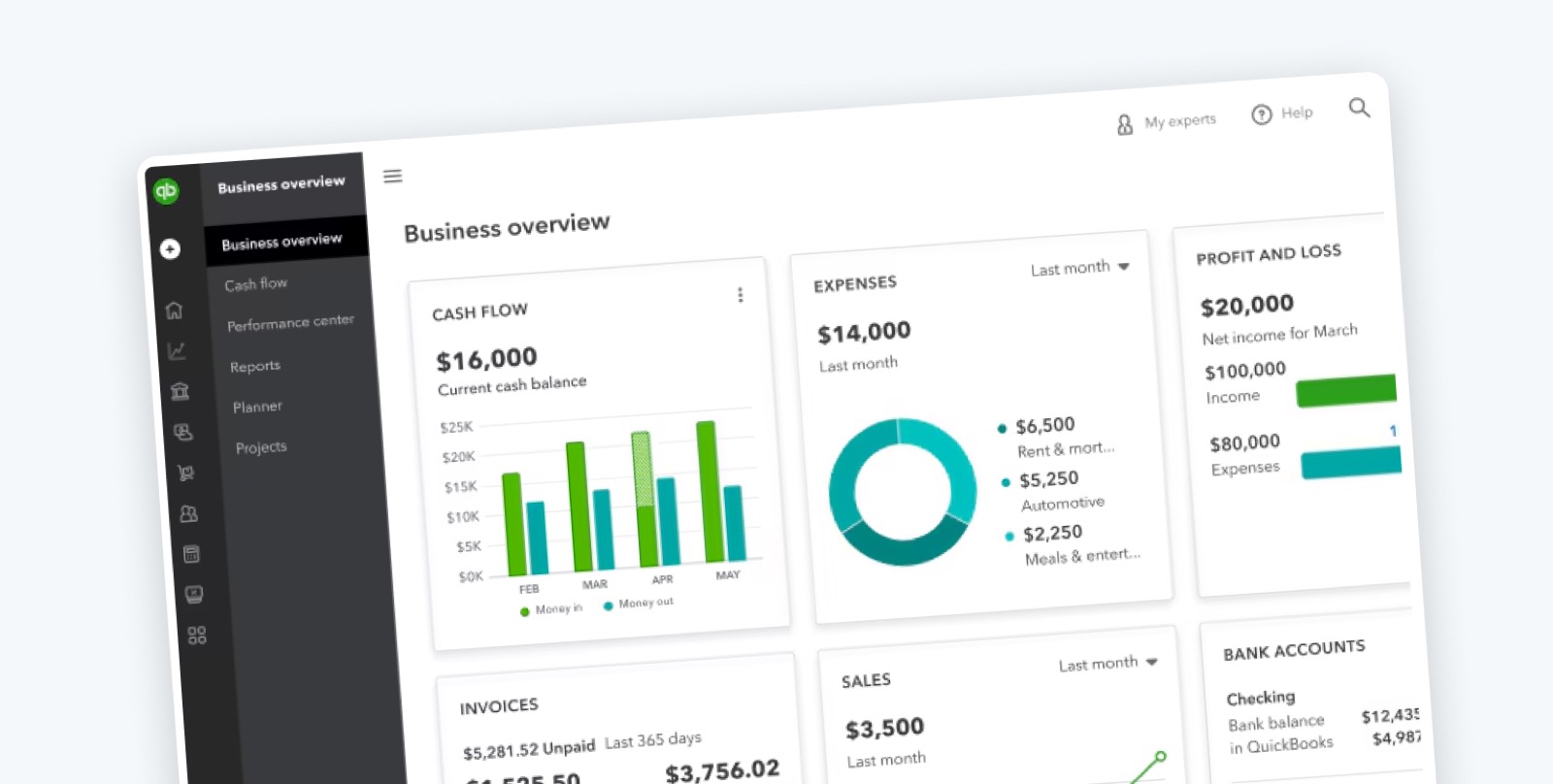
QuickBooks Online is Intuit’s cloud accounting platform, used by small and medium businesses to manage invoicing, payments and reconciliation.
The QuickBooks Online integration for SparkLayer is native - no third-party connector tools required. When a B2B order placed through SparkLayer reaches Processing or Shipped, an invoice is created in QuickBooks Online with the customer matched or created automatically, and products, tax, shipping and totals included. Payment status and outstanding balances then sync back into SparkLayer, so your sales team and your customers see the same figures your finance team does.
One place for orders, invoices, and payments.
Once the QuickBooks Online integration is set up, your B2B ordering and your accounting stay aligned. You’ll benefit from all the features of SparkLayer plus:
- Automatic invoice creation from SparkLayer orders
- Customer details matched or created automatically
- Products, tax, shipping and totals included
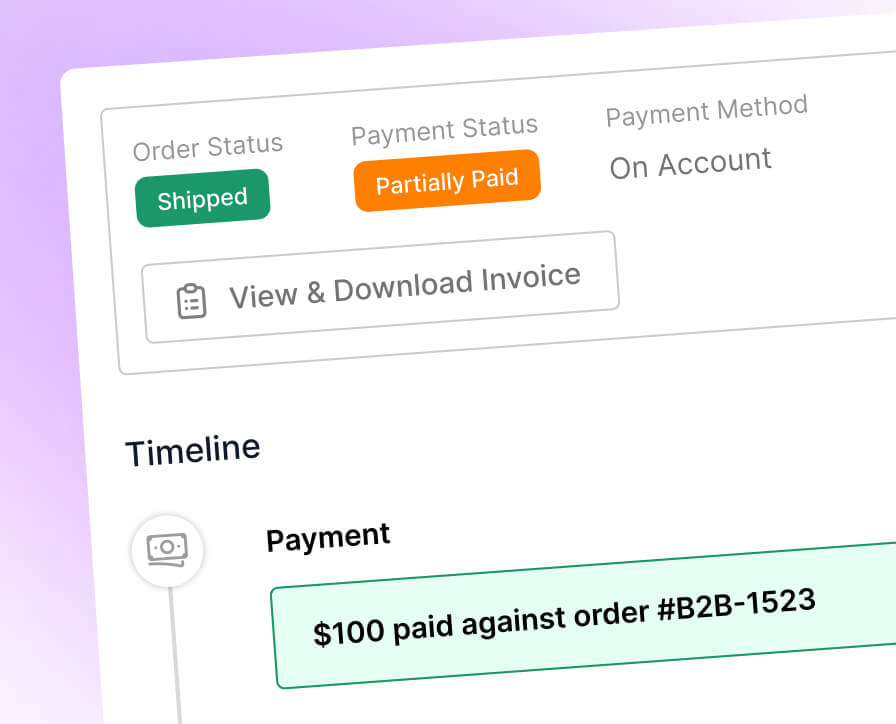
- Paid / Unpaid / Partially Paid status synced back to SparkLayer
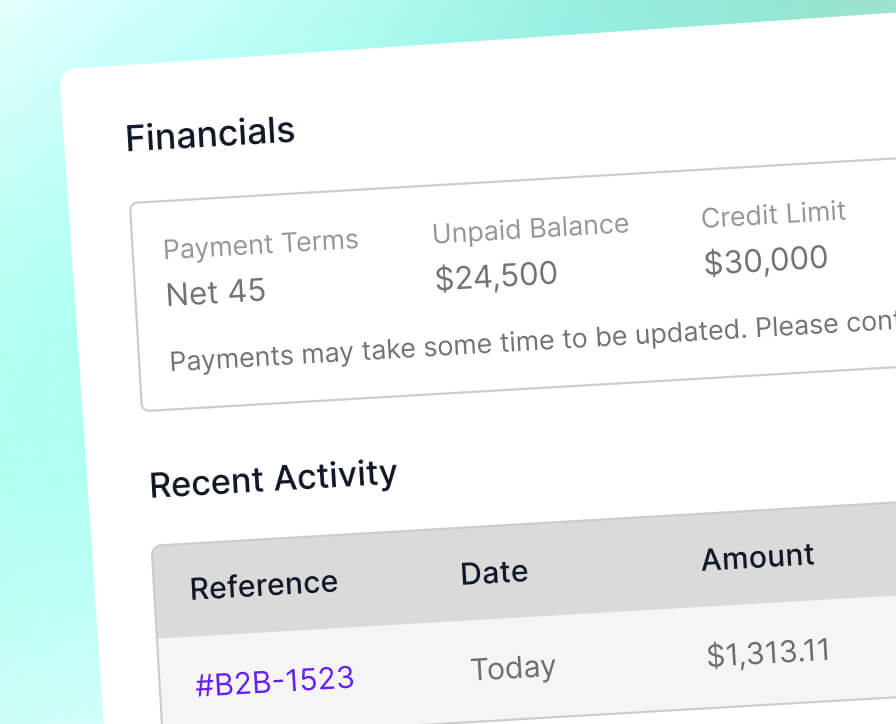
- Outstanding balances kept up to date on both sides
- Invoice visibility in the customer’s account area
Connect QuickBooks Online in minutes.
The integration is configured from your SparkLayer account - there is no code to write and no middleware to run. Our integration guide walks through the process:
- No coding required
- Triggered by order status (Processing or Shipped)
- Optional auto-creation of contacts in QuickBooks Online
- Exclude upfront-paid orders (such as card payments) from syncing
- Customers download invoices and see balances in their account
Frequently asked questions
Which SparkLayer plan do I need to use the QuickBooks integration?
The QuickBooks integration is available on the Professional and Enterprise plans, for merchants running Shopify with QuickBooks Online. You enable it in the SparkLayer Dashboard under Integrations > Partner Integrations > Accountancy > QuickBooks and authenticate with your QuickBooks account.
When do invoices get created in QuickBooks?
Invoices are created automatically for B2B orders paid by 'Payment by Invoice' or 'Payment on Account' once the order reaches processing or shipped status. Payment on Account can invoice on order (the default) or per fulfilment - line items, quantities, amounts, tax values, shipping and the billing address all carry across.
How are QuickBooks contacts matched?
SparkLayer matches each order to a QuickBooks contact by account number first, then by email address - and can create the contact automatically if you enable Automatic Contact Creation in the settings.
Do I need to prepare my products in QuickBooks?
Yes - all B2B products need to exist in QuickBooks with matching SKUs and the applicable tax rates applied, and shipping needs to be enabled in QuickBooks for shipping to be applied at invoice level.
Are there any limitations to the QuickBooks integration?
Invoice creation is one-way, the integration supports B2B orders only (not D2C), multi-currency is not supported where a customer already has an invoice in a different currency, and apportioned tax rates for shipping are not supported.
More Accounting & Finance we connect to. SparkLayer works with 19+ platforms and systems - the same B2B layer, whatever you run.

Join 3,500+ brands, distributors, and manufacturers of all sizes.

Easy to use, looks beautiful, and it’s reduced the opportunity for error.


SparkLayer allowed us to grow our business and offer everything we want.




SparkLayer gave us a proper wholesale experience on the store we already had — no rebuild required.

SparkLayer transformed our website into a true wholesale experience for our customers.