






Setting up a B2B registration flow on Shopify means giving prospective wholesale customers a way to apply for a trade account - and giving your team a structured way to review, approve, and onboard them without manual admin. This guide covers your options and why merchants serious about wholesale are moving away from workarounds and towards a native solution.
If you're running a wholesale operation on Shopify, your B2B registration flow is one of the most important parts of your customer experience - and one of the most commonly underbuilt.
Unlike DTC, where customers sign up instantly and start shopping, B2B is different. You need to verify who's applying, confirm they meet your trade requirements, and get them set up with the right pricing, payment terms, and product access before they place their first order.
That process, from first application to first order, is your wholesale registration flow. Get it right, and new customers onboard smoothly, your team stays focused on selling, and your operation scales. Get it wrong, and you're chasing emails, re-keying data, and losing prospective customers to friction.
Here's what your options look like, and what we'd recommend.
1. SparkLayer Forms
SparkLayer Forms is a native wholesale registration and B2B customer onboarding tool built directly into SparkLayer.
It lets Shopify merchants create branded wholesale application forms that live directly on their storefront - capturing company details, tax IDs, documents, and custom fields in a single submission - with review, approval, and automated account setup all handled inside SparkLayer.
No third-party tools. No manual re-keying. No inbox-hunting. Everything in one place, connected directly to your store.
Build the form you actually need
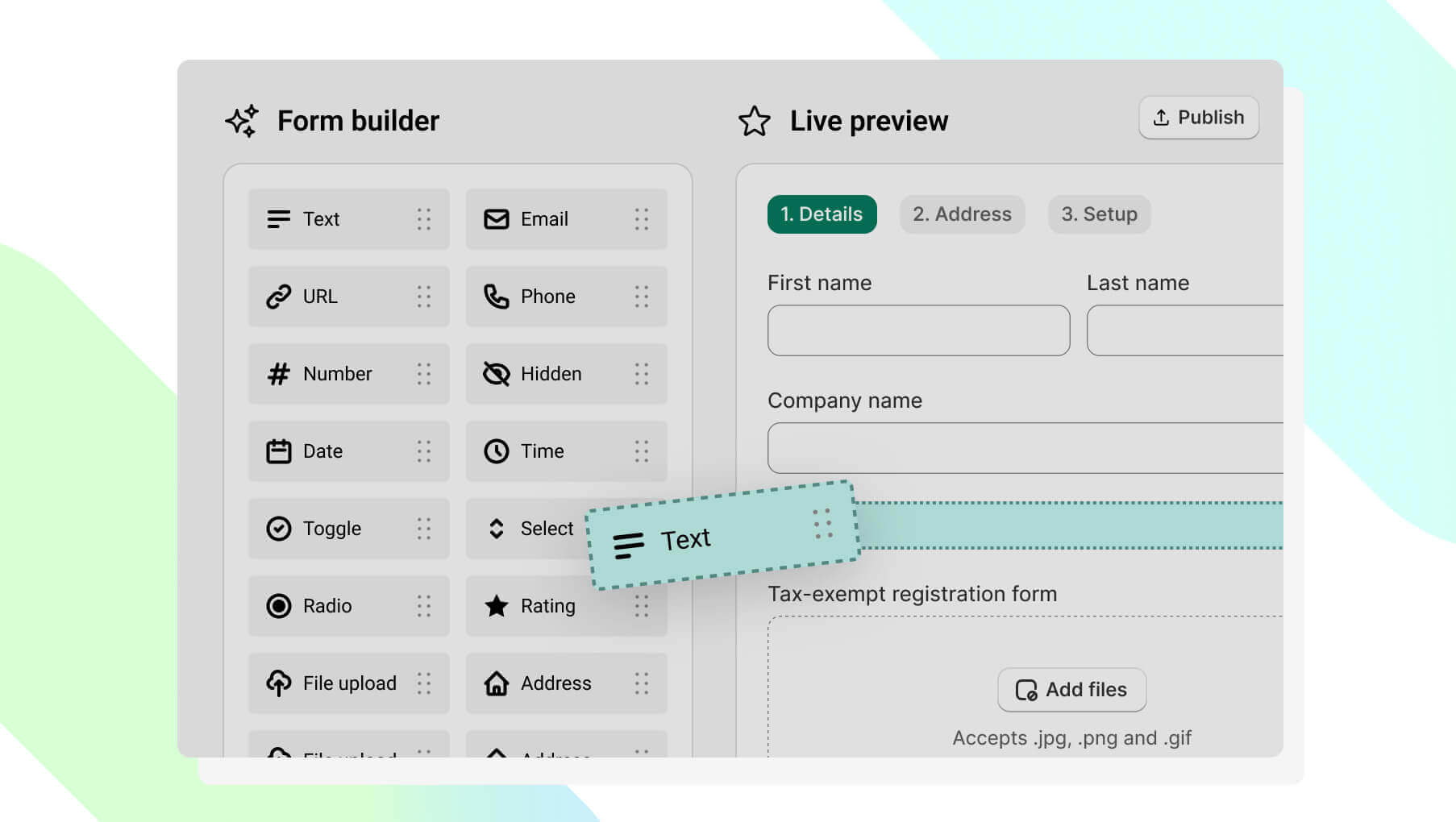
Create a fully customisable wholesale application form using a drag-and-drop builder.
Add the fields that matter to your business - company name, VAT number, resale certificate, tax ID, custom questions - and organise them across multi-page flows with progress indicators so the experience feels professional, not like a chore. File uploads, conditional logic, validation rules, all included, all configurable without touching code.
Review applications without the admin
New wholesale applications appear instantly in your SparkLayer dashboard. Your team can view every response, expand answers, check uploaded documents, and approve or reject with a single click. Assign customer groups, tags, and Sales Agents as part of the process. No spreadsheets, no forwarded emails, no "did anyone action this?"
Onboarding that runs itself
SparkLayer automates B2B customer onboarding by connecting wholesale application forms directly to customer account creation, automatically applying B2B status, customer groups, tags, and Sales Agent assignments on approval. The customer gets notified, logs in, and can place their first order immediately.
Built for merchants serious about wholesale
SparkLayer Forms is a native wholesale application form builder for Shopify, not a generic contact form with a B2B label slapped on it. It's built for the specific workflow of wholesale account management: structured applications, moderated approvals, and automated setup. If wholesale is a meaningful part of your business, this is the tool built for it.
Explore SparkLayer Forms or read the full setup guide.
2. Adapting Shopify's built-in register form
Shopify's default registration form can be modified with custom fields using Shopify's built-in Notes functionality, letting you capture company details, tax IDs, and other B2B information. You can also auto-tag submissions (e.g. b2b_pending) and redirect customers to a holding page after submitting.
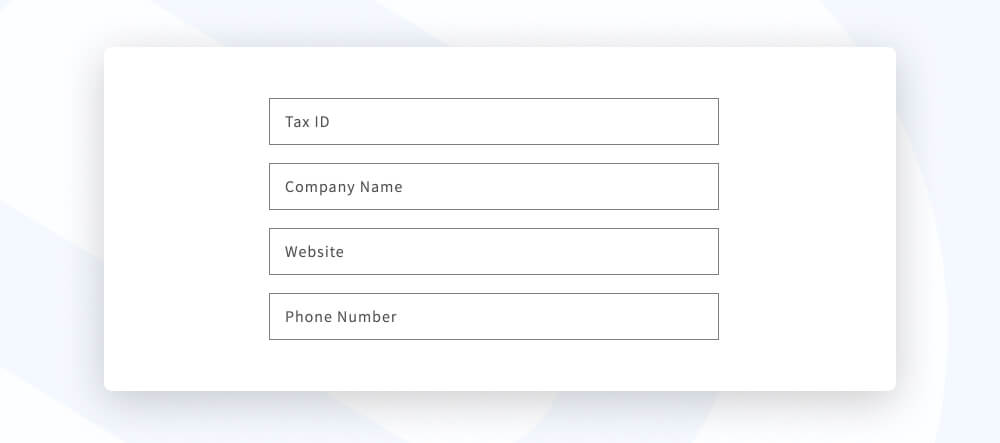
The limitations are significant, though. It requires theme code changes, there's no built-in approval workflow, customer accounts still need to be manually created in Shopify once you've reviewed an application, and there's nothing stopping a customer from browsing your store while their application is under review without additional workarounds.
If you're using Shopify Advanced or Plus, you could use Shopify Flow to add a level of automation - for example, sending a team member an email when a new customer is created with a specific tag. But you're still patching together a solution rather than using one built for the job.
3. Using a contact form
The simplest option is to use Shopify's built-in contact form to capture wholesale applications and send them to your inbox for review. Low setup, no code required.
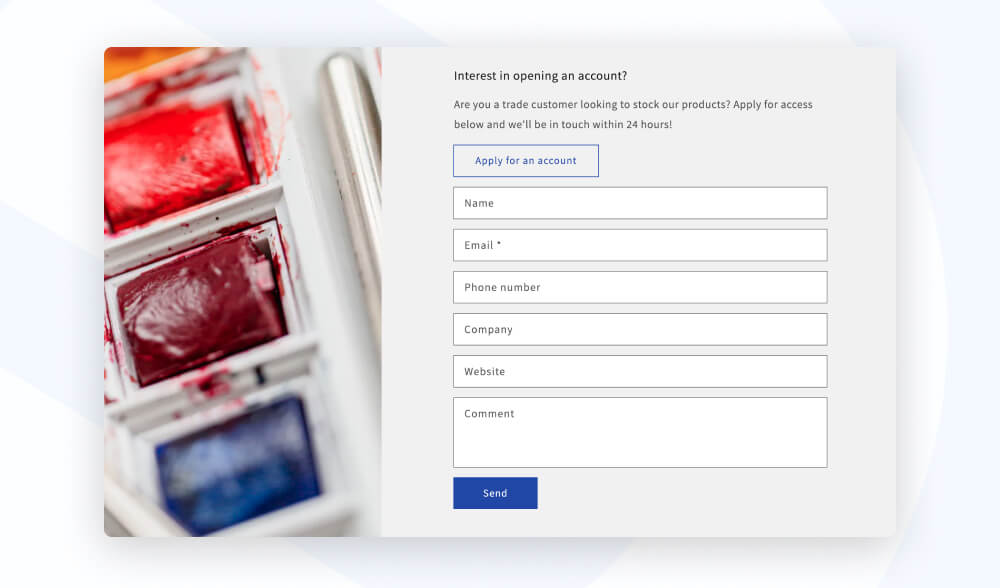
The problem is when it comes to scaling. Every application is an email, and every approval is a manual customer creation in Shopify. There's no central view of applications, no approval trail, no automation. For one or two applications a week, it's manageable. For a growing wholesale operation, it can become a bottleneck fast.
Which approach is right for you?
If wholesale is a core part of your business, or you're building it to be, SparkLayer Forms is the right tool. It's the option that automates the full workflow end-to-end, from application to approved customer ready to order.
If you're at the very start, testing whether wholesale is viable, a contact form can get you moving without any investment - but it's likely you'll outgrow it as you scale.
Getting started
SparkLayer Forms is available now for all SparkLayer customers on Shopify. Existing customers can enable it directly from their SparkLayer dashboard - no developer needed.
New to SparkLayer? You can start a free trial and have your first wholesale registration form live on your store today.
For full setup instructions, visit our SparkLayer Forms Help Docs or explore the SparkLayer Forms feature page to learn more.